Run the business
Send feedback
2 min read
Goal: Tell the team what works and what does not.
Steps
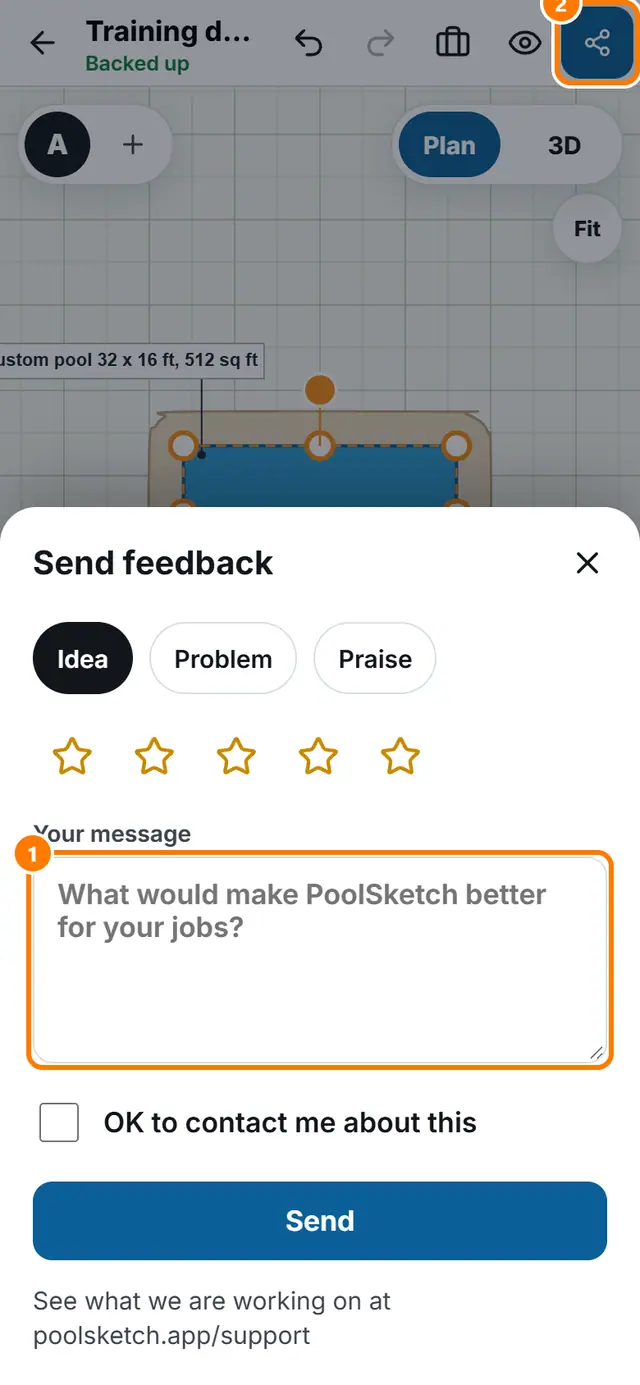
- Tap More tools, then Send feedback.
- Choose Idea, Problem or Praise.
- Type your message. Say what you were doing if something went wrong.
- Tick OK to contact me about this if you want an answer.
- Tap Send.