Run the business
Branding and your team
4 min read
Goal: Put your business on every handout and manage who can use the app.
Steps
- Tap Settings on Home.
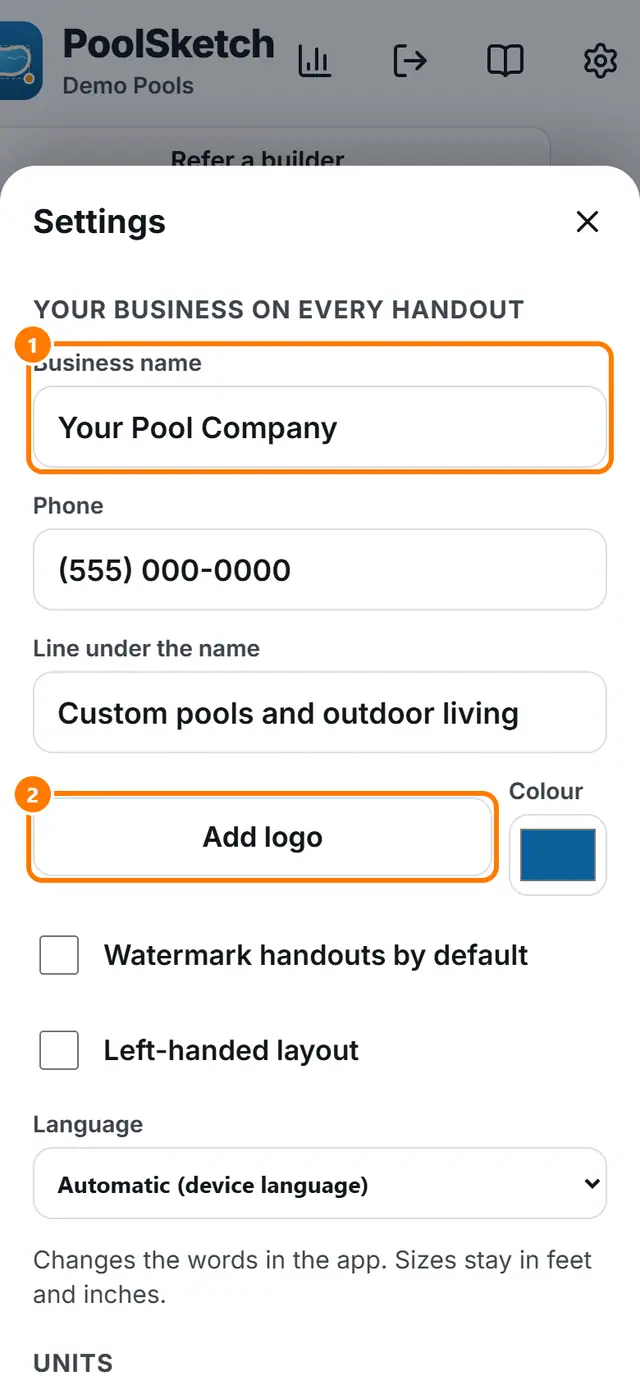
- Fill Business name, Phone and Line under the name.
- Tap Add logo and choose a picture. Pick your Colour.
- Switch Watermark handouts by default on or off.
- Choose your Language and Units. Sizes can be shown in feet and inches or metric.
- To see your team, open Dashboard and tap Team. Owners and admins can invite people and set roles.