Run the business
Job status and job details
3 min read
Goal: Keep track of which designs are won, lost or waiting.
Steps
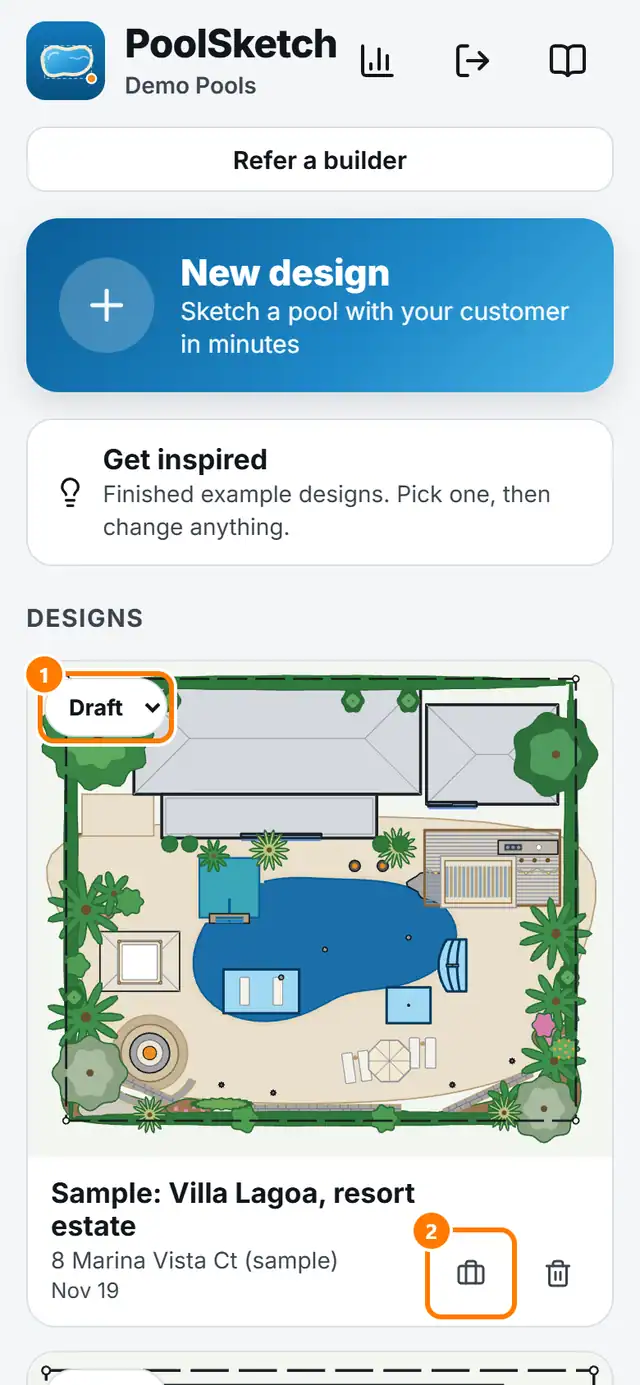
- On Home find the design. Use the status menu on its card: Draft, Sent, Won or Lost.
- When you pick Won, you can enter what the job was worth. When you pick Lost, you can say why. You can skip both.
- Tap the briefcase icon for Job details: job value, where the lead came from, customer phone and email.
- Open Dashboard to see your numbers.