Deliver it
A DXF plan for the crew
3 min read
Goal: Hand the crew or the engineer a file they can open in CAD.
Steps
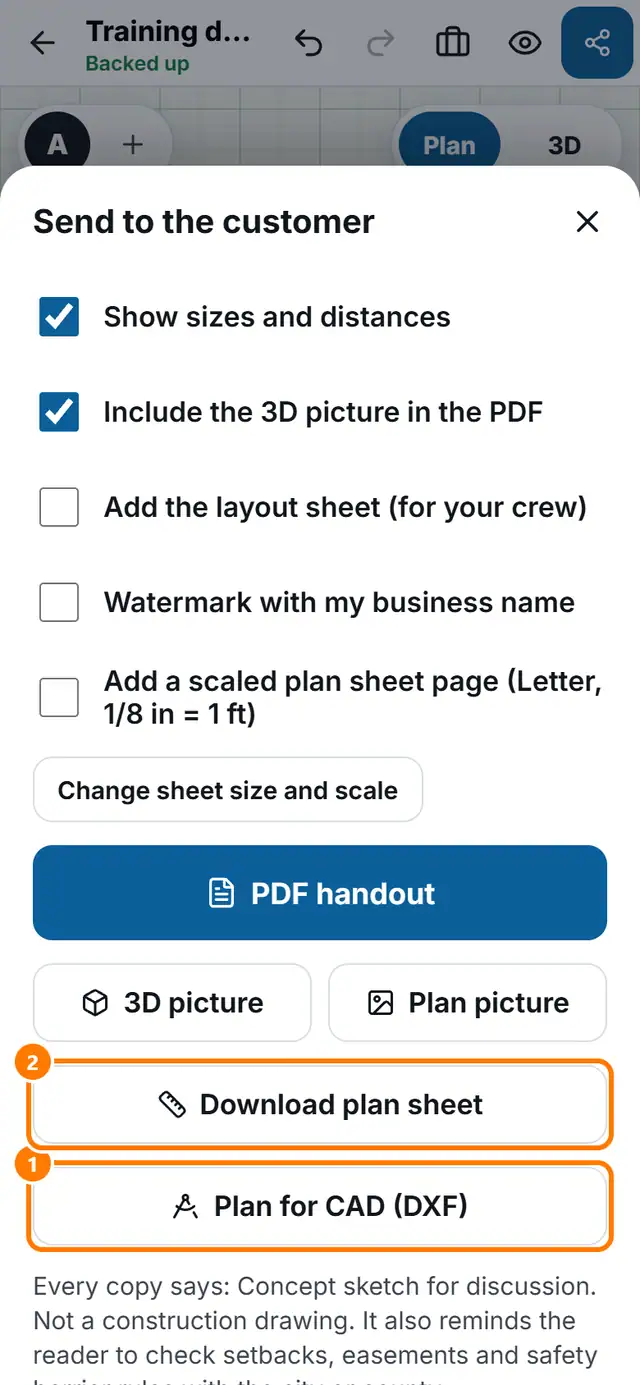
- Tap Send.
- Tap Plan for CAD (DXF). The file saves to your downloads.
- For the cross section as a DXF, open Cross section and tap Download DXF.
- Open the file in your CAD program.