Your yard
Use a DXF drawing as the underlay
3 min read
Goal: Bring in a CAD site drawing and draw on top of it.
Steps
- In your CAD program export the drawing as DXF. DWG files cannot be read directly.
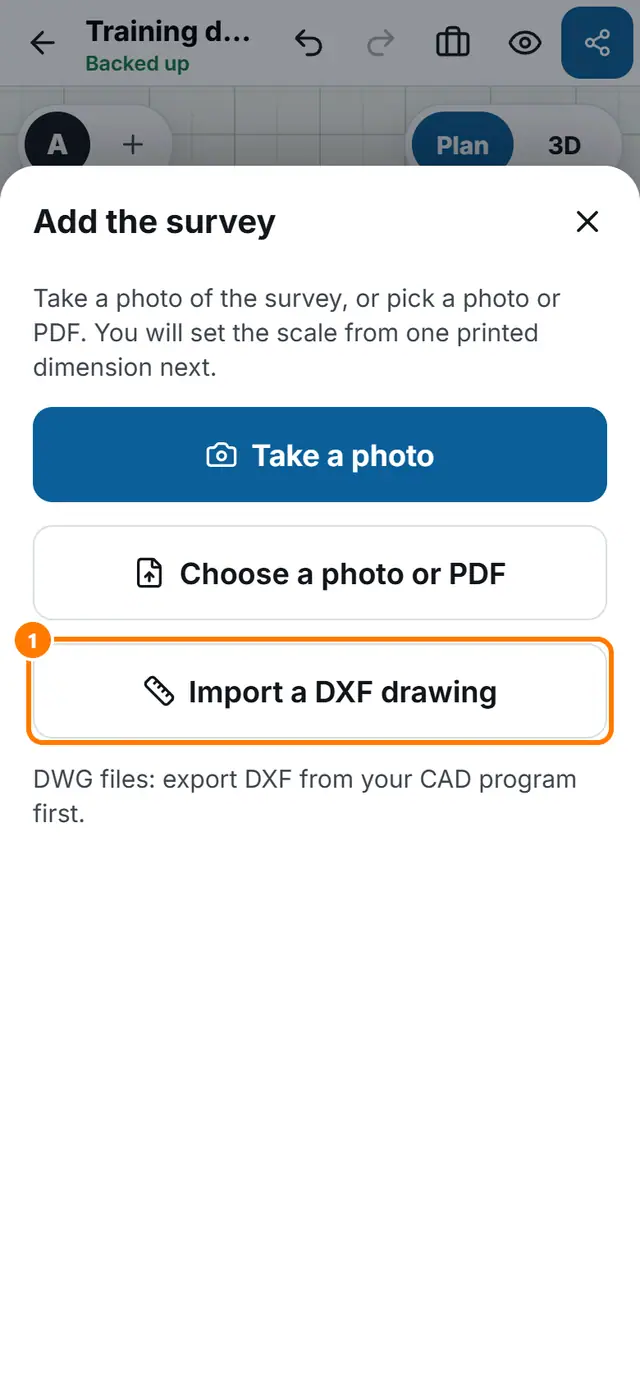
- In PoolSketch tap More tools, then Add the survey.
- Tap Import a DXF drawing and choose the file.
- Follow the prompts to check the scale. You can also enter a length you know.
- Draw your pool on top.