Your yard
Add a survey and set the scale
4 min read
Goal: Put the customer's survey under the drawing at the right size.
Steps
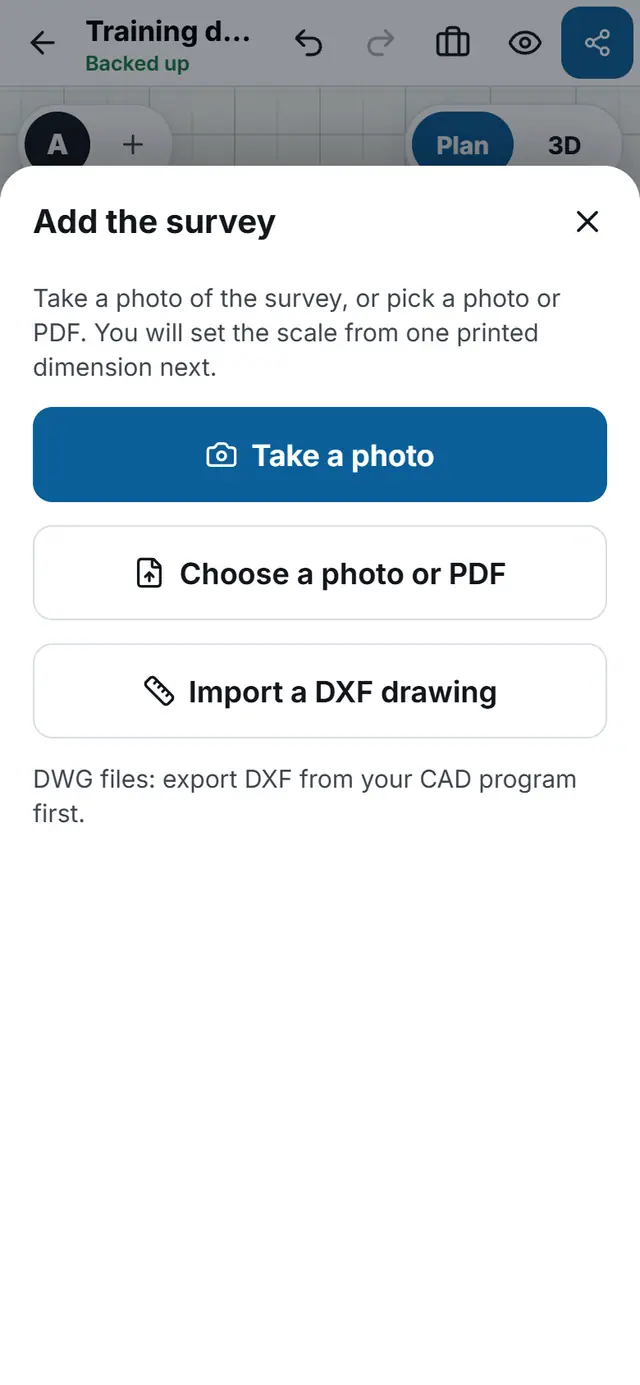
- Tap More tools, then Add the survey.
- Tap Take a photo, or Choose a photo or PDF.
- If the photo is crooked, drag the four corners onto the corners of the survey. Skip this if it is already flat.
- Tap Use this survey.
- Set the scale: mark one printed dimension on the survey and type its real length.
- Use the Survey strength slider in the More menu to fade the survey so your drawing stands out.