Your yard
Start from an address
4 min read
Goal: Get a rough yard and house outline from just an address.
Steps
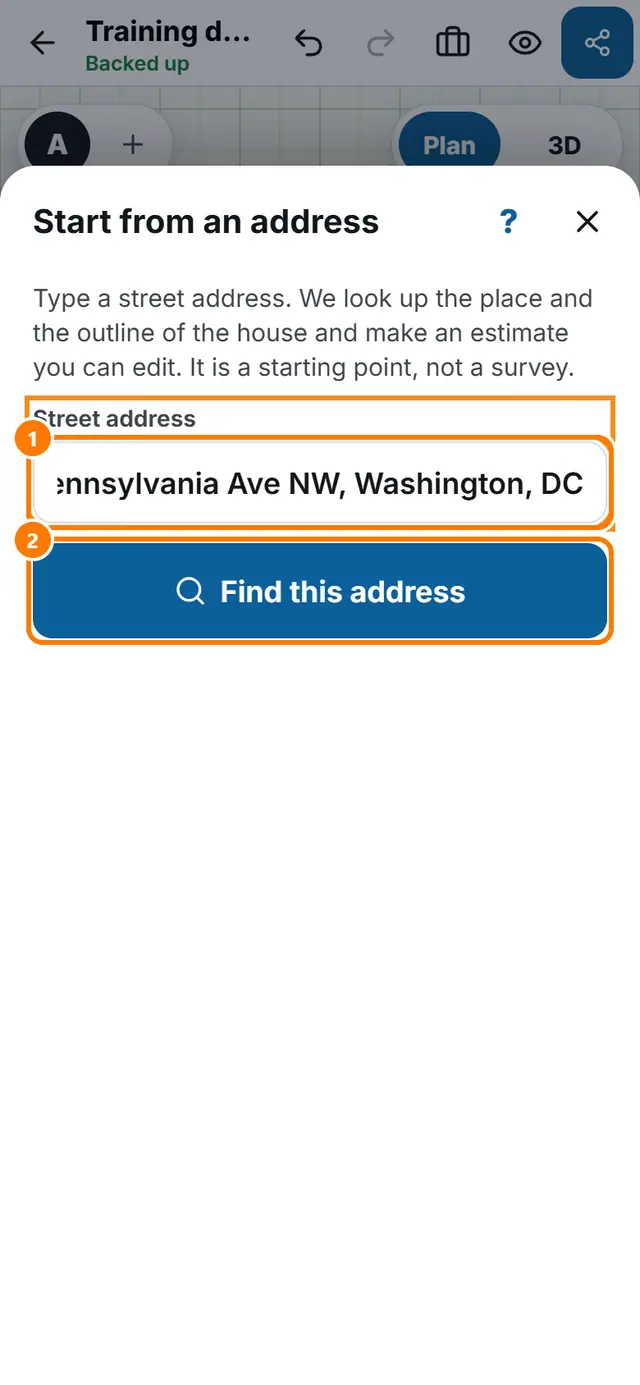
- Tap More tools, then Start from an address.
- Type the street address with the city and state.
- Tap Find this address. The first time, read the notice and tap OK, continue.
- If a house outline is found, check its size and tap Use the house outline. If none is found, tap Place a house block instead and type its width and depth.
- Choose which side the street is on and look at the typical setbacks. They are not your lot.
- Tap Create the estimate.