Your yard
Replace the estimate with a survey
4 min read
Goal: Move a design started from an address onto the real survey.
Steps
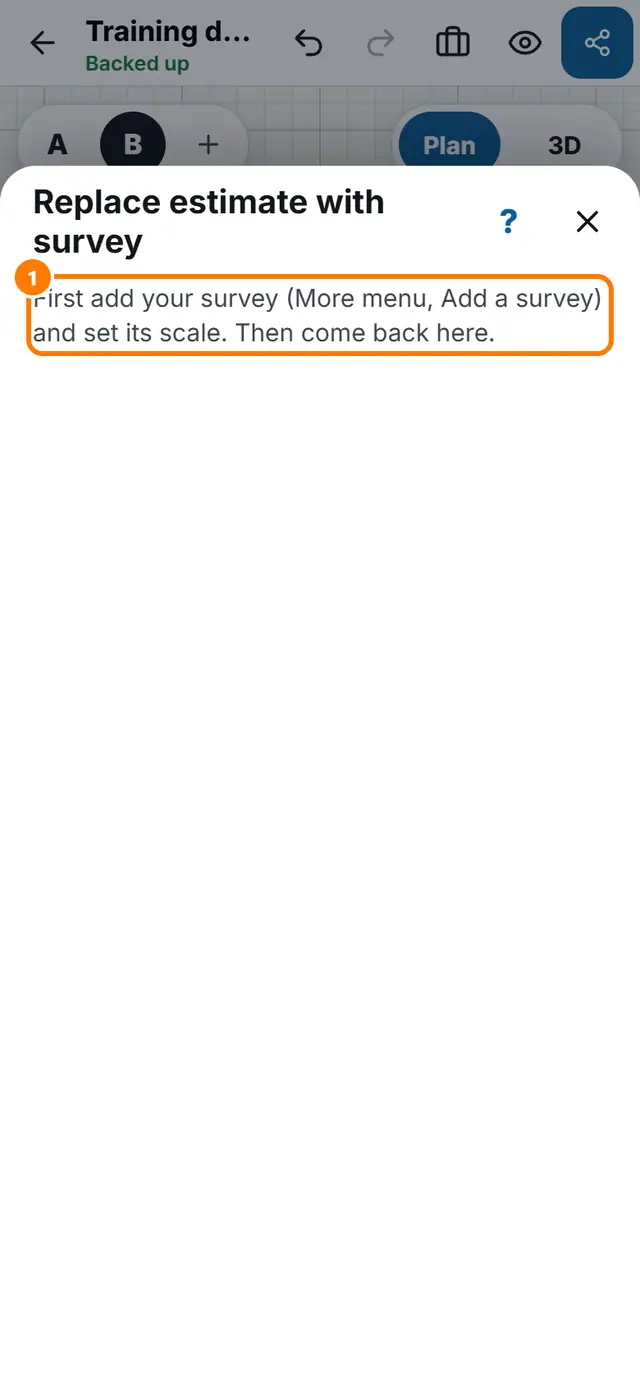
- First add your survey and set its scale (see the survey lesson).
- Tap More tools, then Replace estimate with survey.
- Step 1: tap two corners of the estimated house.
- Step 2: tap the same two corners on your survey. Zoom in for accuracy and drag a dot to adjust it.
- If the two distances differ, check that you picked the same corners.
- Tap Move the plan onto the survey.