Your yard
Start with a blank yard
2 min read
Goal: Sketch with no survey or address.
Steps
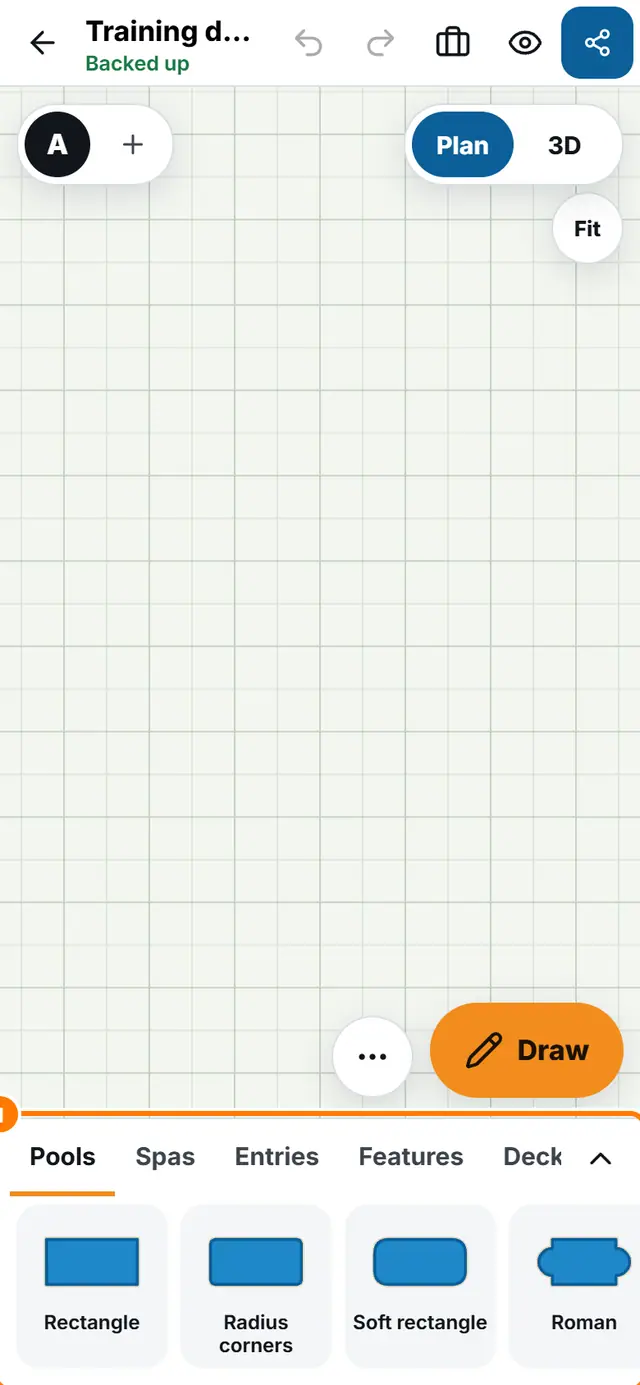
- On Home tap New design and then Start sketching.
- Leave the survey and address for later.
- Place the house first so the pool has something to measure from. Open the Houses tab and tap one.
- Place the pool from Pools and type its size.
- Add the fence from Yard and the deck from Deck.