Pools and shapes
Type exact sizes
3 min read
Goal: Set a pool to the exact length, width and depth.
Steps
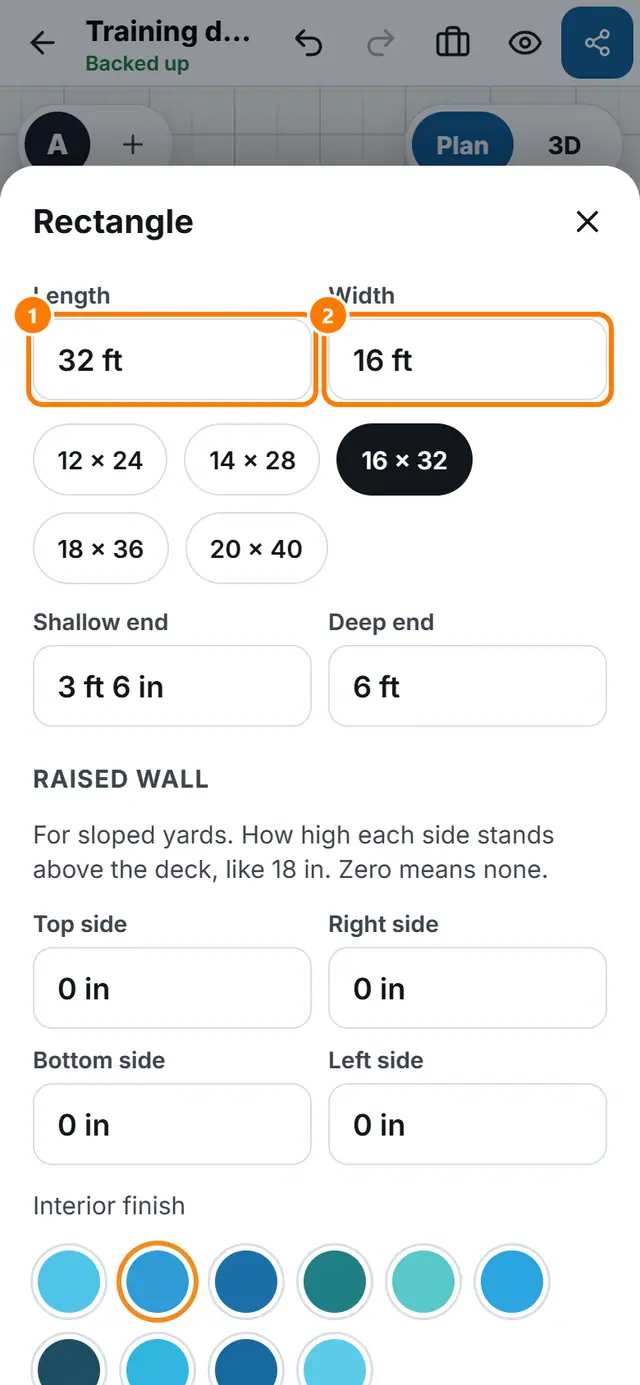
- Tap the pool, then tap Size.
- Type the Length and Width, or tap a quick size such as 16 x 32.
- Set the Shallow end and Deep end depths.
- On the plan you can also tap the size label and type width x length, for example 16x32.
- Tap Done.