Pools and shapes
Stretch, turn and copy a piece
4 min read
Goal: Change the size and direction of any piece and make copies.
Steps
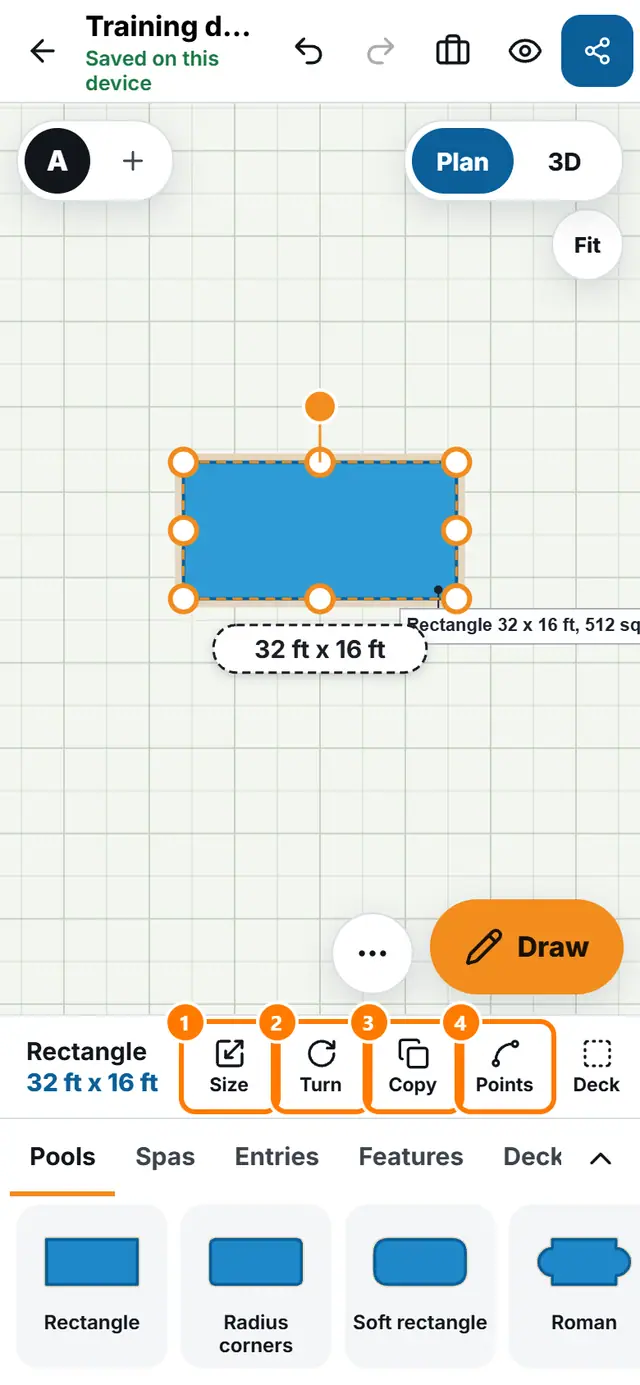
- Tap a piece on the plan. The bar appears with its name and size.
- Drag the piece by its body to move it.
- Drag a dot at a corner or side to stretch it.
- Tap Turn to rotate 90 degrees. For any other angle open Size and type Turn (degrees).
- Tap Copy to make a second piece next to the first.
- Tap Delete to remove the piece. Undo brings it back.