Pools and shapes
Edit points, merge and cut
5 min read
Goal: Reshape any outline, join shapes and cut holes.
Steps
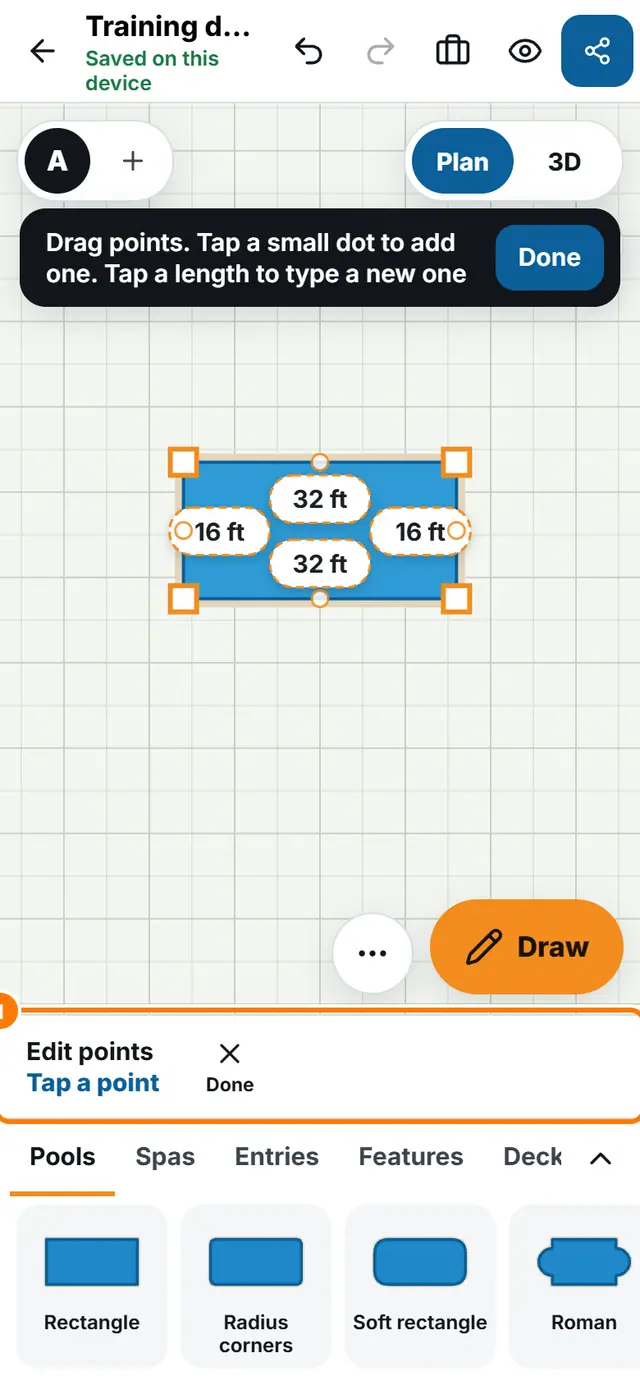
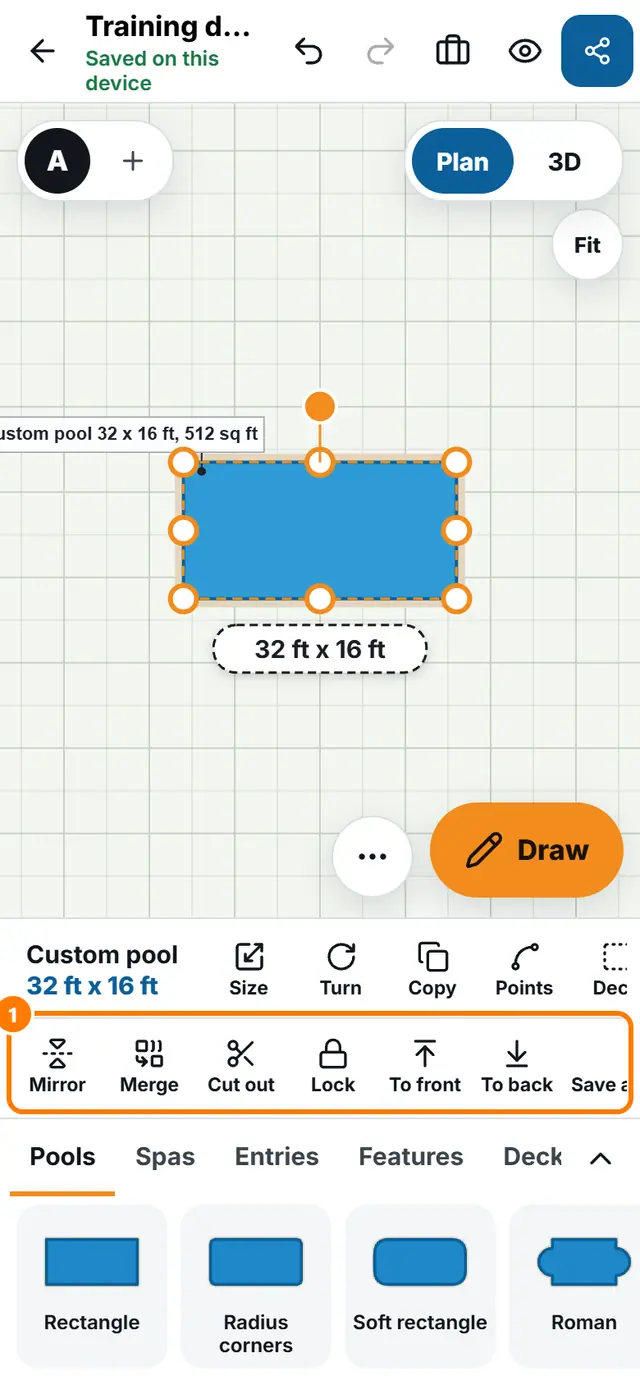
- Tap the piece, then tap Points. The bar says Edit points and Tap a point.
- Drag a point to move it. Tap a small dot to add a point. Tap a length to type a new one.
- Tap a point to select it. Choose Make curved, Make corner or Remove point. Tap Done when you finish.
- To join shapes, overlap two shapes of the same kind, such as two pools or two decks. Select one, tap More, then Merge.
- To cut a shape out of another, place the cutting shape over the pool or deck. Select it, tap More, then Cut out.