Pools and shapes
Draw a line by typing lengths
5 min read
Goal: Draw a fence, wall or lot line with the real side lengths.
Steps
- Open the Yard tab and tap Fence, Masonry wall or Property line.
- Tap the first corner on the plan.
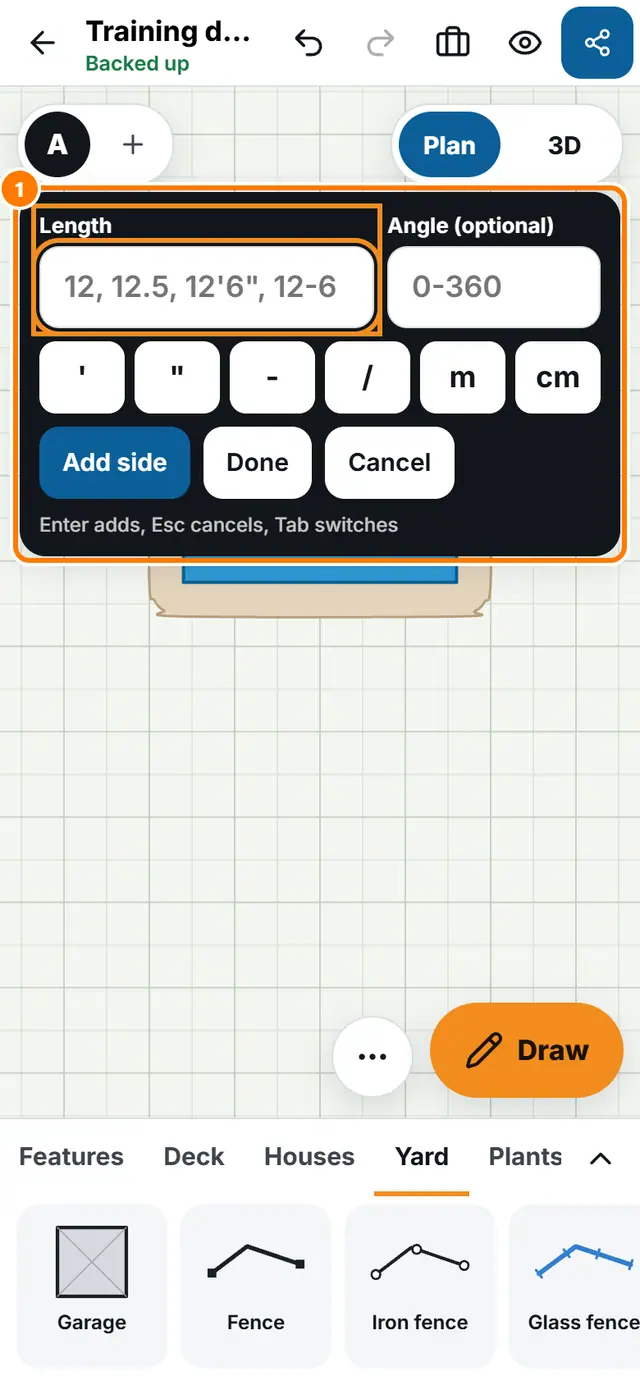
- Tap Type length, or just start typing digits.
- Type the Length of the side. If you want, type the Angle: 0 is right, 90 is up.
- Use the quick key row for the foot mark, the inch mark, a dash, a slash, m, cm and x.
- Press Enter or tap Add side to add the side. Press Tab to jump between the fields.
- Tap Close shape to join the last point to the first, or tap Done to finish the line.