
Start here
Your first design in 5 minutes
5 min read
Goal: Go from an empty screen to a PDF for your customer in about five minutes.
Steps
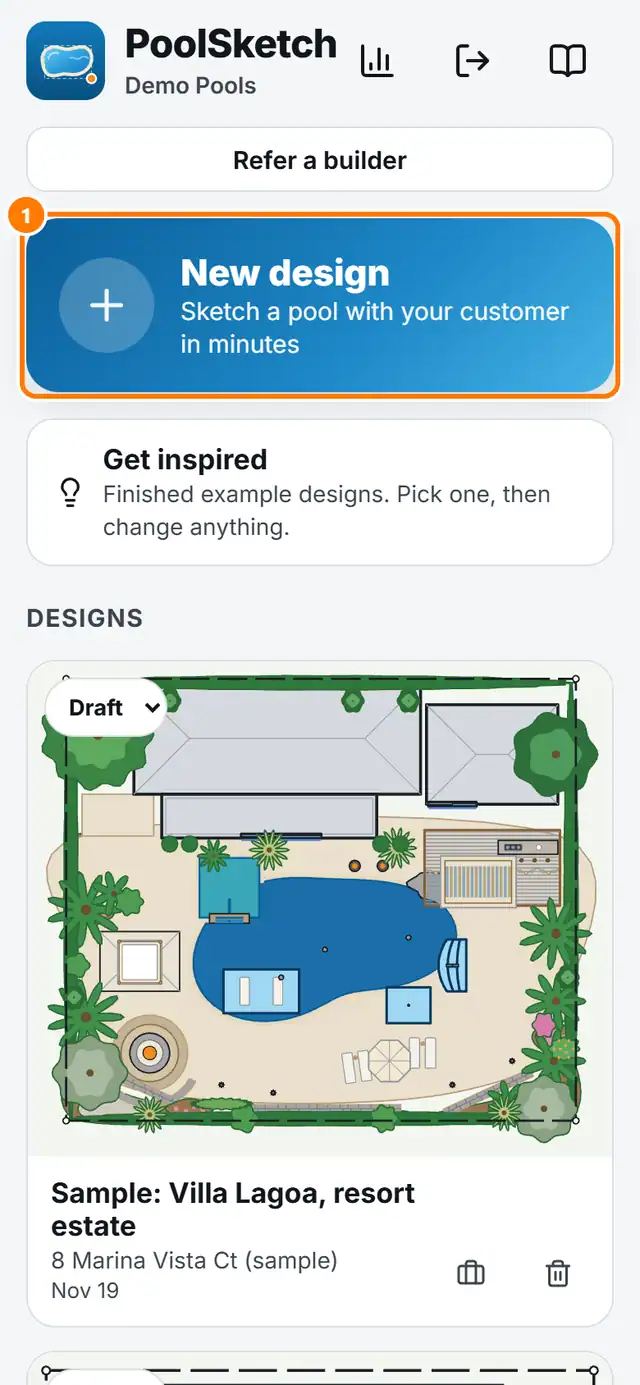
- On Home tap New design.
- Type the customer name. The address is optional. Tap Start sketching.
- Tap More tools (the three dots). Add the survey, or start from an address. You can skip this and sketch a pool first.
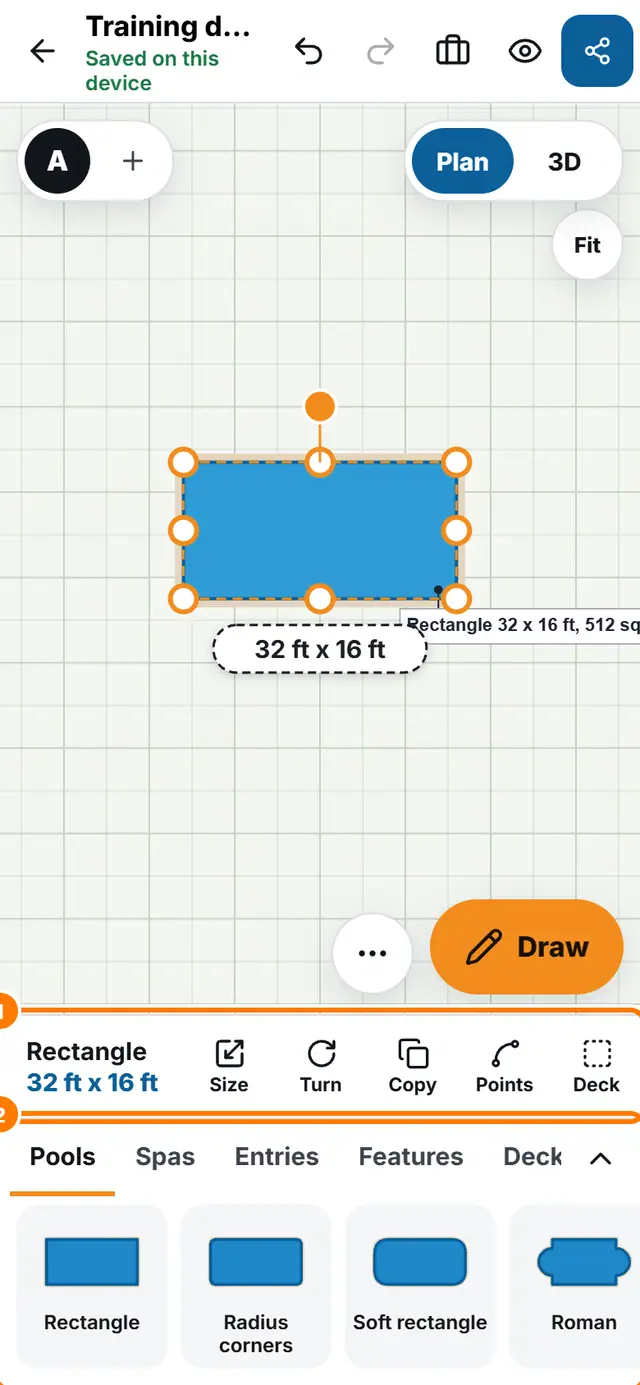
- In the tray at the bottom tap Rectangle. Type a size such as 16x32 and tap Place.
- Tap the pool to see the distances to the house, fence and lot line.
- Tap 3D and drag to look around.
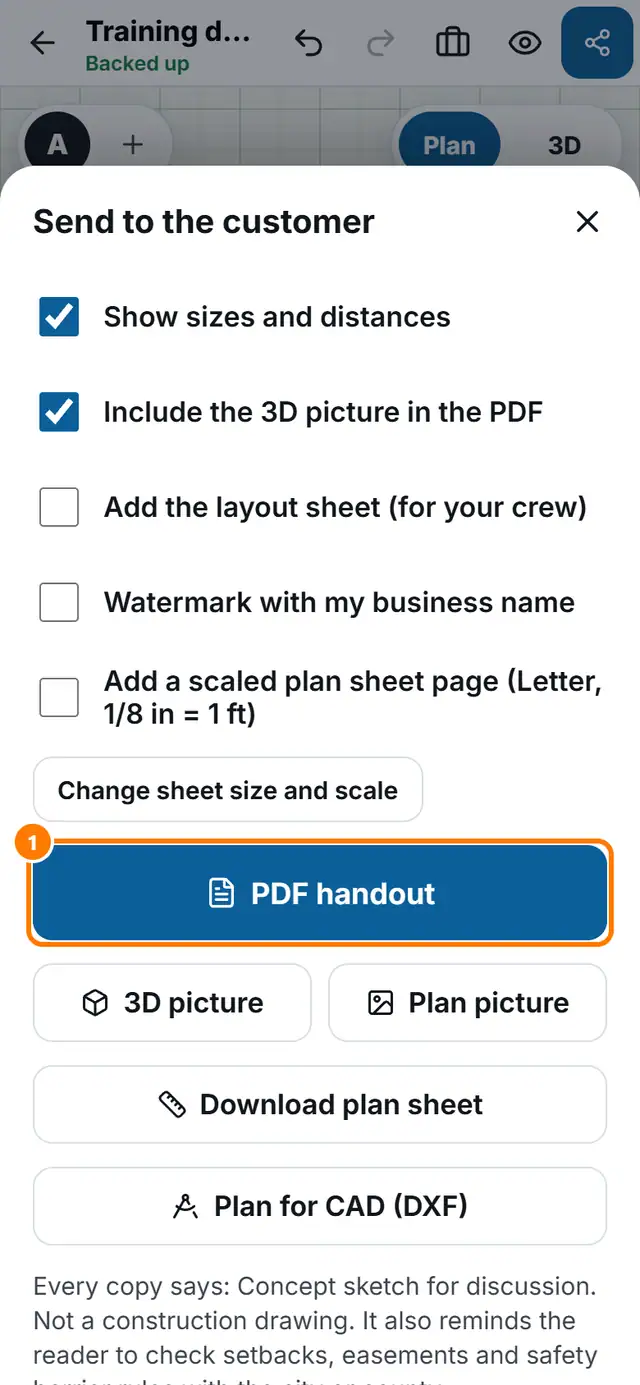
- Tap Send, then PDF handout.
Related lessons
- A tour of the screen
- Pick pieces from the tray
- 3D view, night and time of day
- The branded PDF and the share link
