
Show it
3D view, night and time of day
4 min read
Goal: Show the customer the yard in 3D, in daylight and at night.
Steps
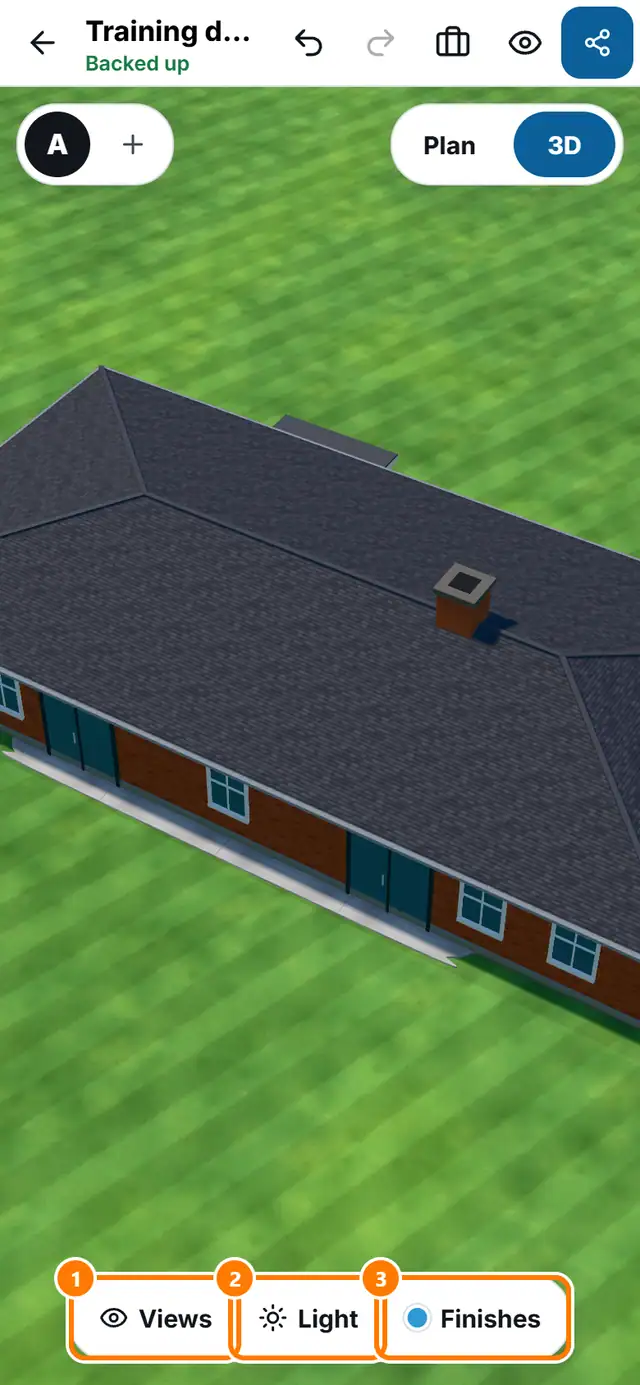
- Tap 3D at the top right.
- Drag to look around.
- Open Views. Choose Overview, Water, From the house, Eye level or Top.
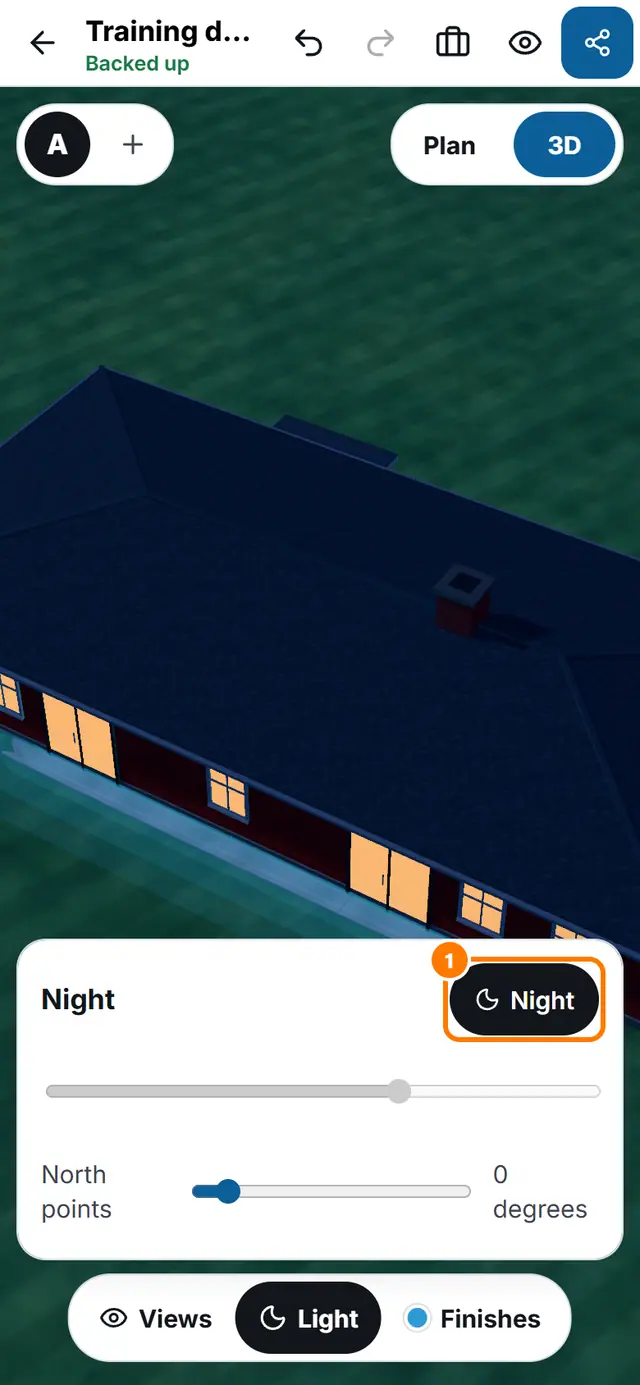
- Open Light. Slide the time of day to see the shade move. Tap Night for the evening look.
- Set North points so the sun is on the correct side of the house.
- Open Finishes to change the pool interior, tile, coping and deck.
Related lessons
- Fly-around, 360 panorama, photo and timelapse
- Lights, fire and water features
- Materials, colours and photo surfaces
