The yard design
Lights, fire and water features
3 min read
Goal: Add the features that make a pool feel finished.
Steps
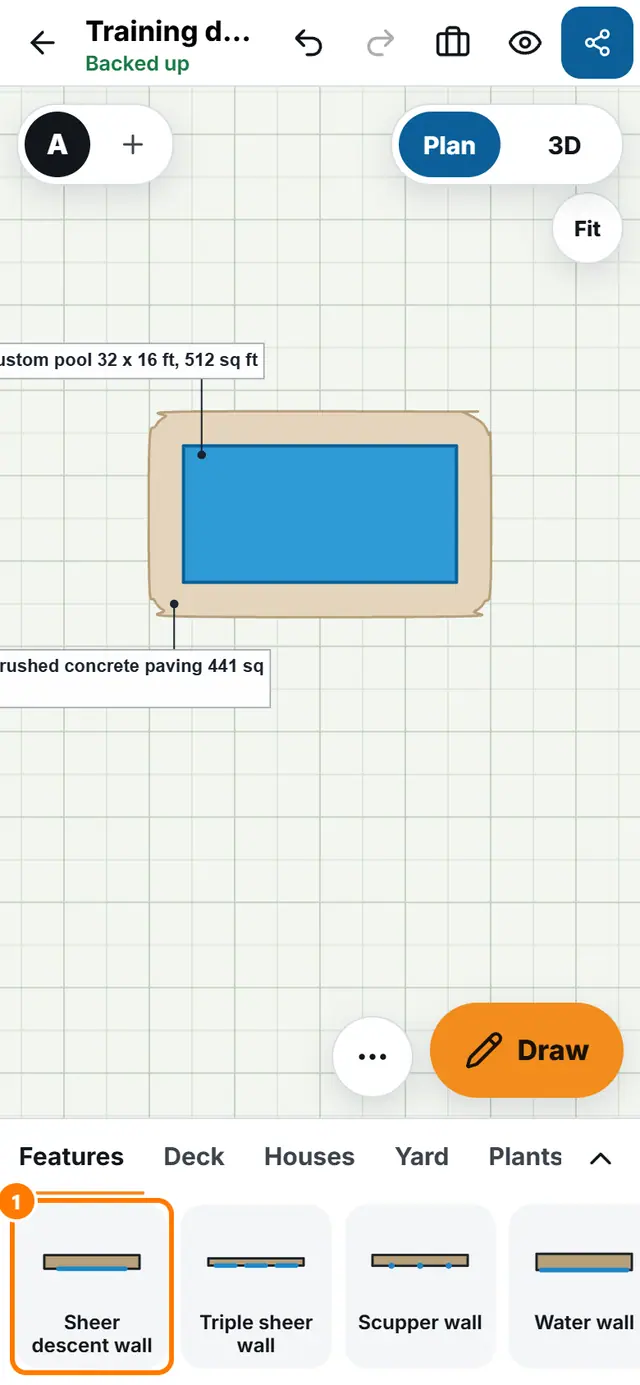
- Open the Features tab in the tray.
- Tap a piece to place it: for example Sheer descent wall, Rock waterfall, Bubblers, set of 3, Fire bowl, Fountain or Pool light.
- Drag it to the spot, tap Turn to face it, and tap Size to set its size.
- Open Entries for steps, benches and tanning ledges.
- Switch to 3D and tap Night to see how it looks after dark.