The yard design
Materials, colours and photo surfaces
4 min read
Goal: Give the pool, deck and house a real finish.
Steps
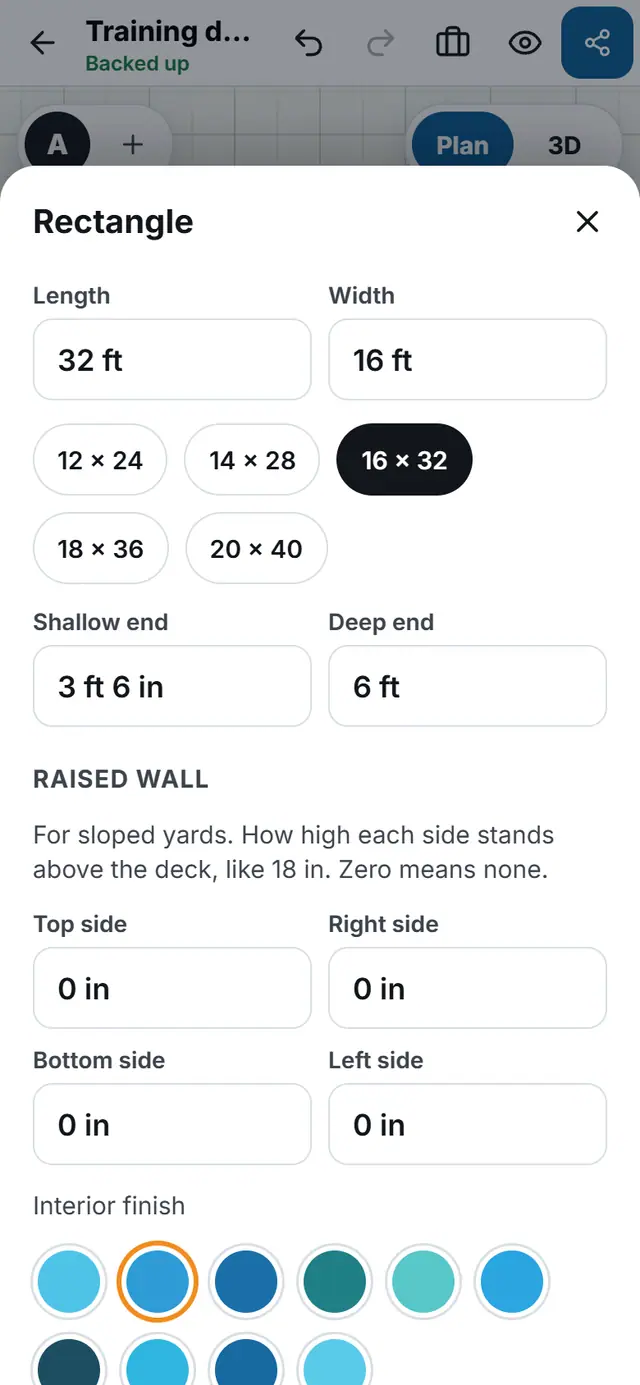
- Tap a piece, then tap Size.
- Under Interior finish pick a swatch or Custom colour and tap Use.
- Tap Materials to open the material library. Browse the categories, or type in the search box.
- Tap a material, then Use this material.
- Or tap Use a photo to use your own picture of a surface.
- In 3D, open Finishes to set the Pool interior, Waterline tile, Coping and Deck.