The yard design
Landscaping and plant packs
4 min read
Goal: Fill the yard with plants fast, then change any of them.
Steps
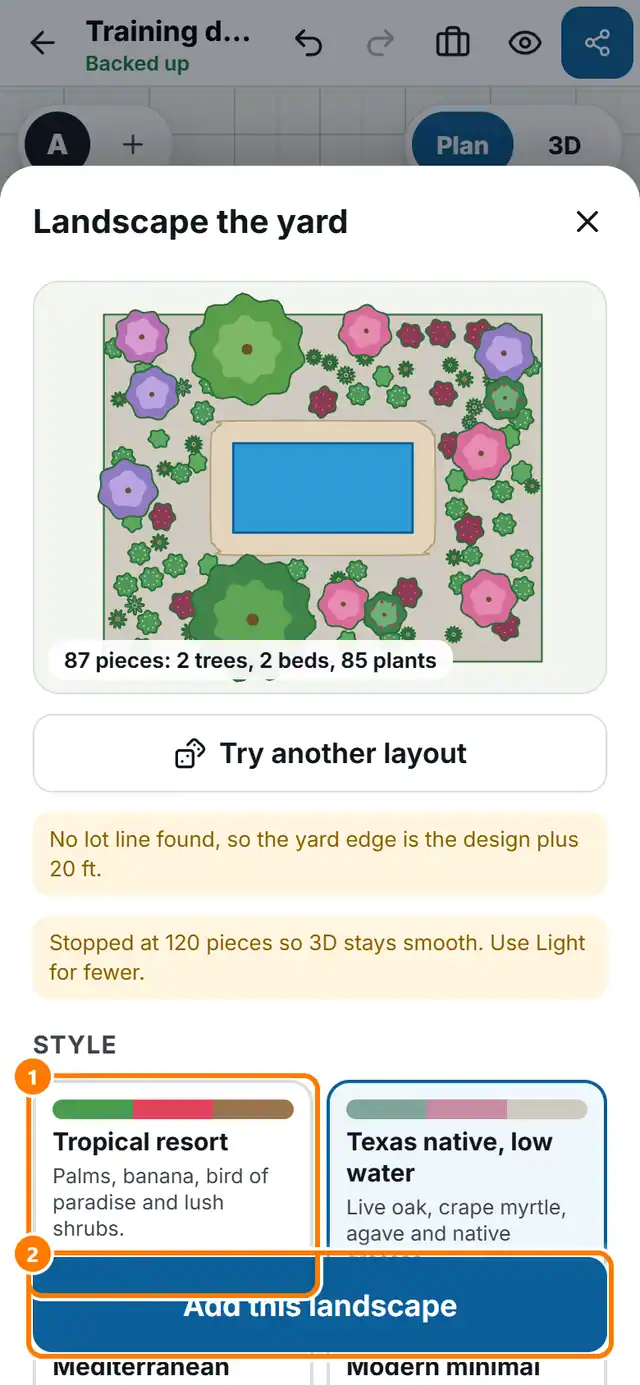
- Tap More tools, then Landscape the yard.
- Pick a style such as Tropical resort, Modern minimal or Privacy first.
- Choose How full: Light, Medium or Full.
- Switch lawn, hedge, beds along the house, accent planting and shade trees on or off.
- Tap Try another layout until you like it, then tap Add this landscape.
- For one plant or a pack use the Plants and Packs tabs in the tray.