Start here
Working with no signal
2 min read
Goal: Keep sketching in a backyard with no signal.
Steps
- Open the app once while you are online so it can store itself on your device.
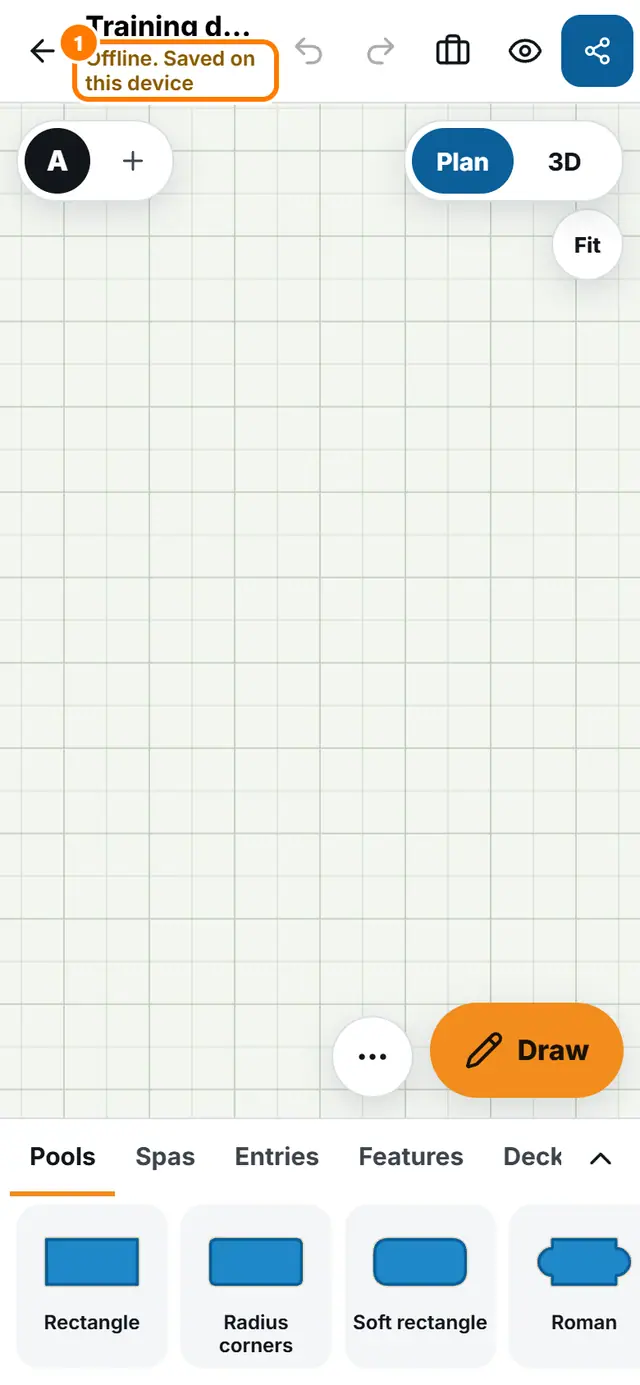
- With no signal, open a design and sketch as normal. The status under the name says Offline. Saved on this device.
- When the signal returns, the status changes to Backing up and then Backed up.
- These need a connection: Describe your pool, Start from an address, the AI photo finish, sending feedback and signing in.