Start here
Sign in, install and update
3 min read
Goal: Get signed in with no password and keep the app up to date.
Steps
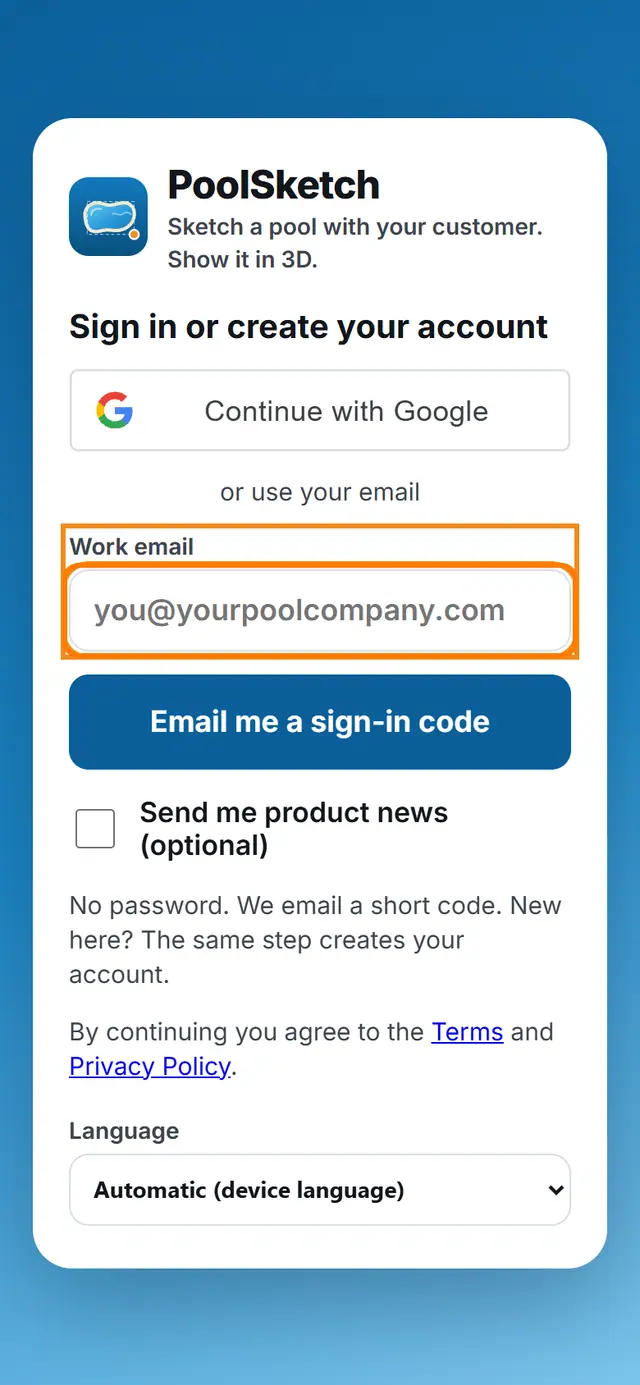
- Open the app address in your phone or computer browser.
- Type your email and ask for the code.
- Open the email and type the 6 digit code into the app.
- To put the app on your home screen, use your browser menu and choose Add to Home Screen or Install.
- When a new version is ready, a banner appears. Tap it to update.
- To sign out, use the sign out icon on Home, or the sign out button in Settings.