Deliver it
Cross section and elevation
4 min read
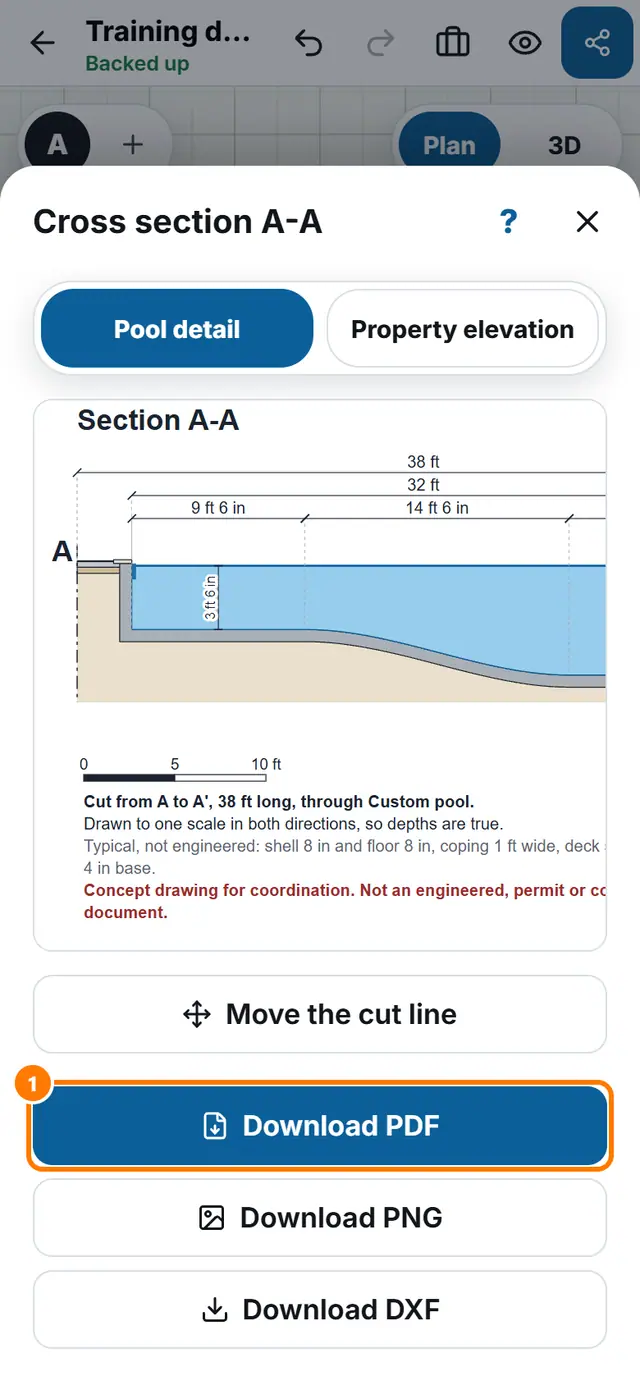
Goal: Show the customer how deep the pool is and what is around it.
Steps
- Tap More tools, then Cross section.
- Drag A and A' on the plan to move the cut line. It snaps to 90 and 45 degrees when close.
- Reset to pool axis puts the cut back through the middle of the pool.
- Read the drawing: water line, deepest floor, top of coping and deck level.
- Tap Download PDF, Download PNG or Download DXF.