Help
Tips for phones and tablets
3 min read
Goal: Get more done on a small screen.
Steps
- Turn the phone sideways for a wider plan.
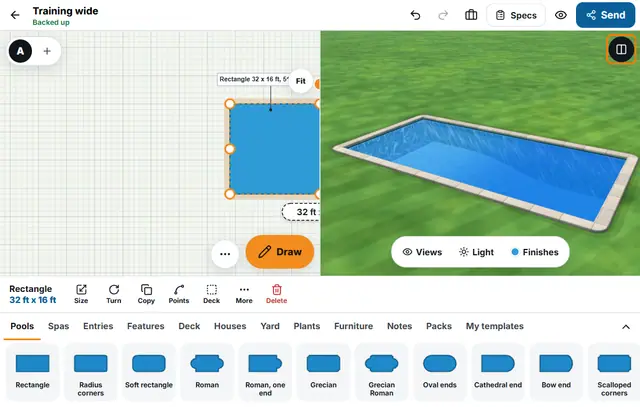
- On a tablet or computer the Plan and 3D side by side button shows both at once.
- Use Left-handed layout in Settings to move the buttons.
- Tap Show the customer to hide the tools before you hand over the phone.
- Plug in the phone before you make a long render, a fly-around or a timelapse.
- Hold the phone steady when you take the survey photo, so the corners can be straightened.