Goal: Show the pool at real size on the ground with your phone camera.
Steps
- Tap More tools, then See it in your yard.
- Stand where the pool will go.
- Tap View in your yard and point the phone at the ground.
- Walk around. Tap the ground to place it. Drag with two fingers to turn it.
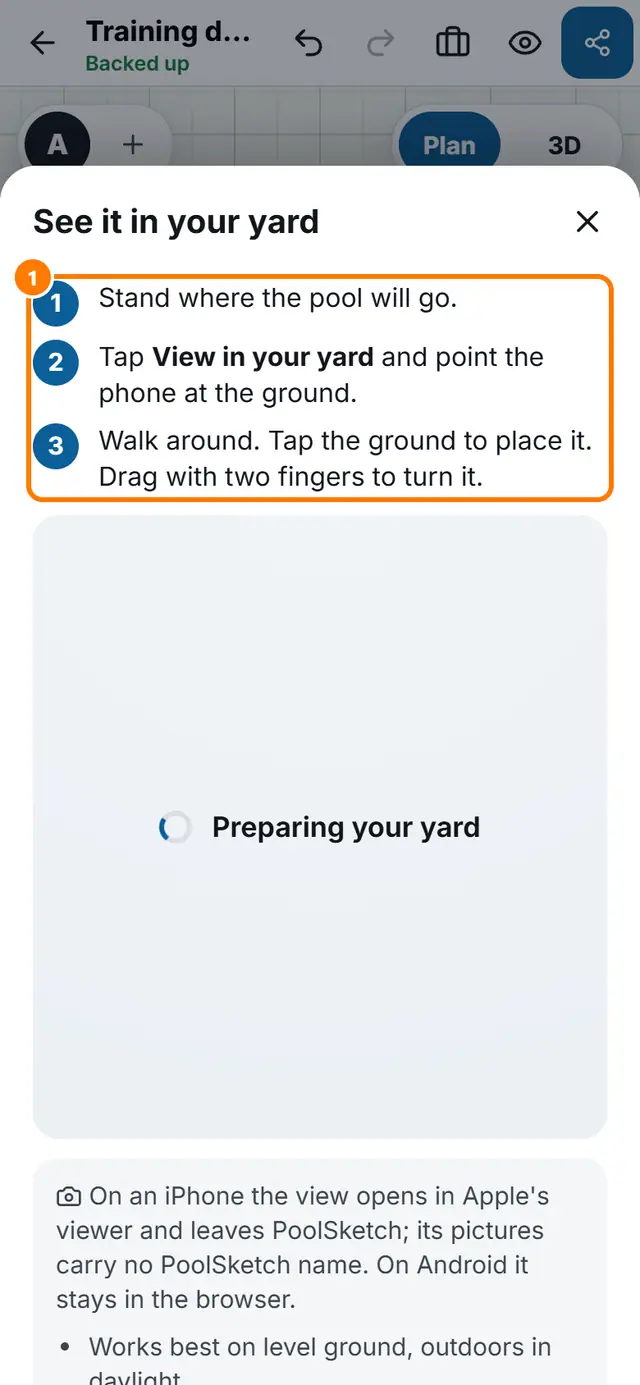 See it in your yard shows the three steps.
Open PoolSketch
Related lessons
All lessons · Training manual as a PDF

