Show it
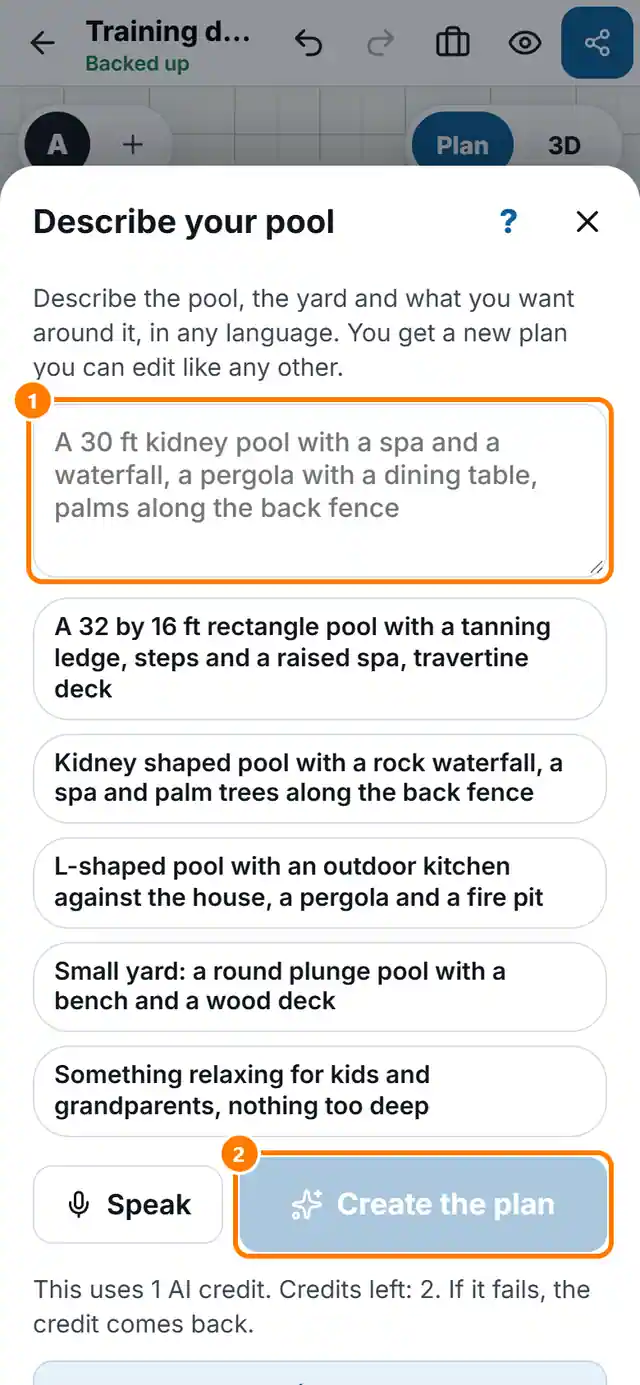
Describe your pool
4 min read
Goal: Get a full plan from one sentence.
Steps
- Tap More tools, then Describe your pool.
- Type what you want, in any language, or tap Speak. You can also tap one of the examples.
- Tap Create the plan.
- Read the list of what was Placed and what could not be placed.
- To change it, type the change under Change it and tap Apply the change.