Pools and shapes
Setbacks for this job
4 min read
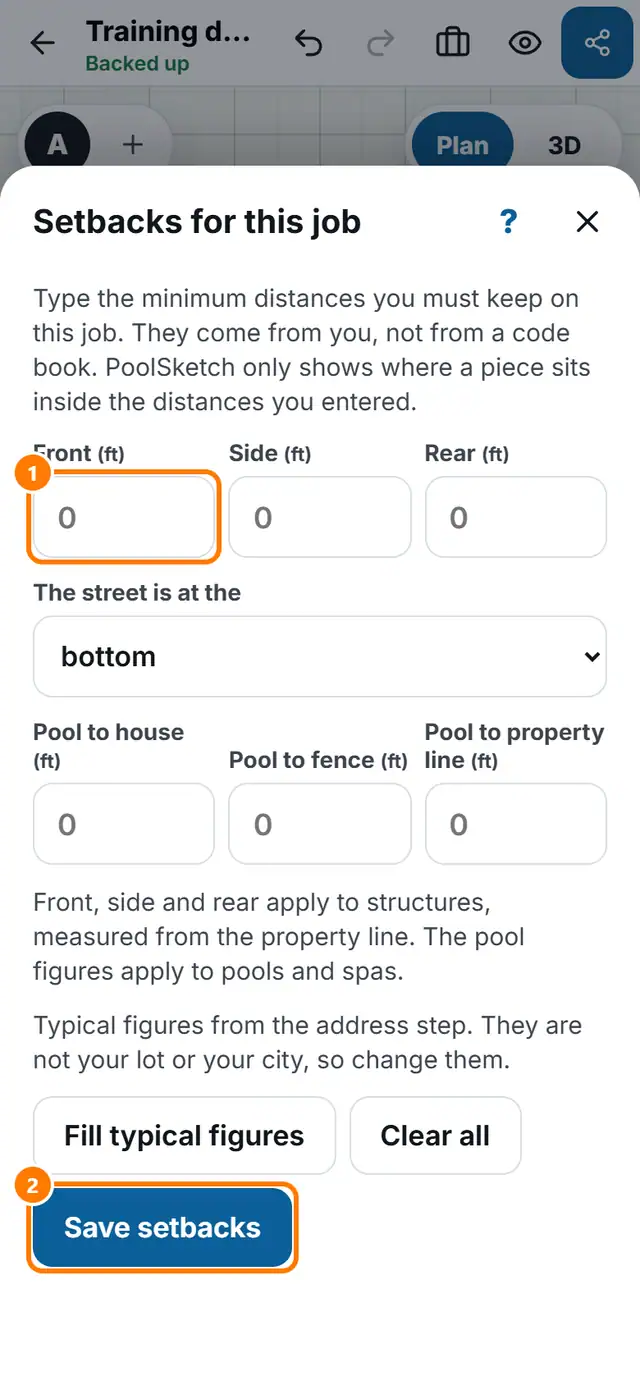
Goal: Show on the plan which pieces sit inside the distances you must keep.
Steps
- Tap More tools, then Setbacks.
- Type Front, Side and Rear for structures, measured from the property line.
- Type Pool to house, Pool to fence and Pool to property line.
- Say which side the street is on.
- Tap Save setbacks.
- Draw a property line on the plan to see the dashed lines. A chip tells you how many pieces are inside your entered setback.